
Steps
- Install VoiceVault from Google Play.
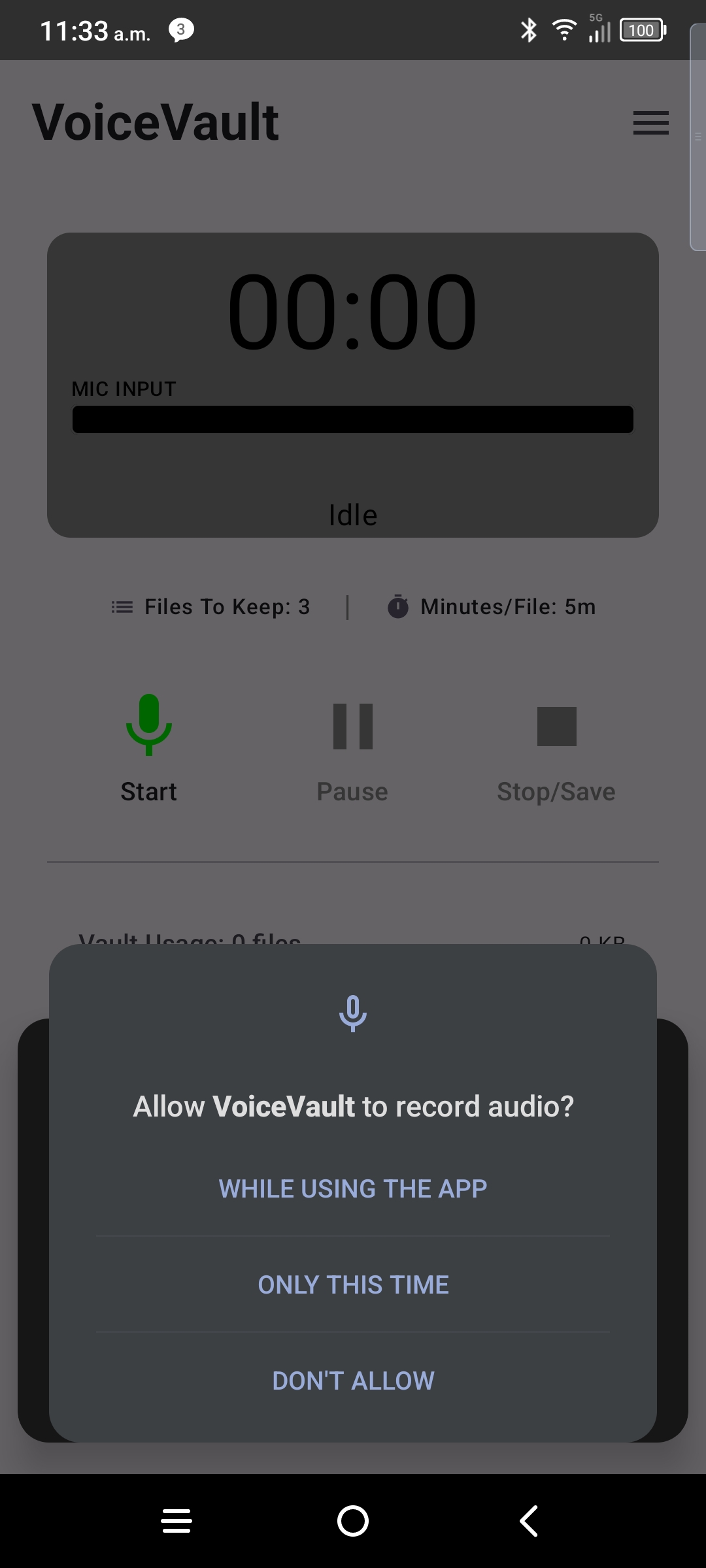
- Open the app — tap Allow on the microphone dialog.
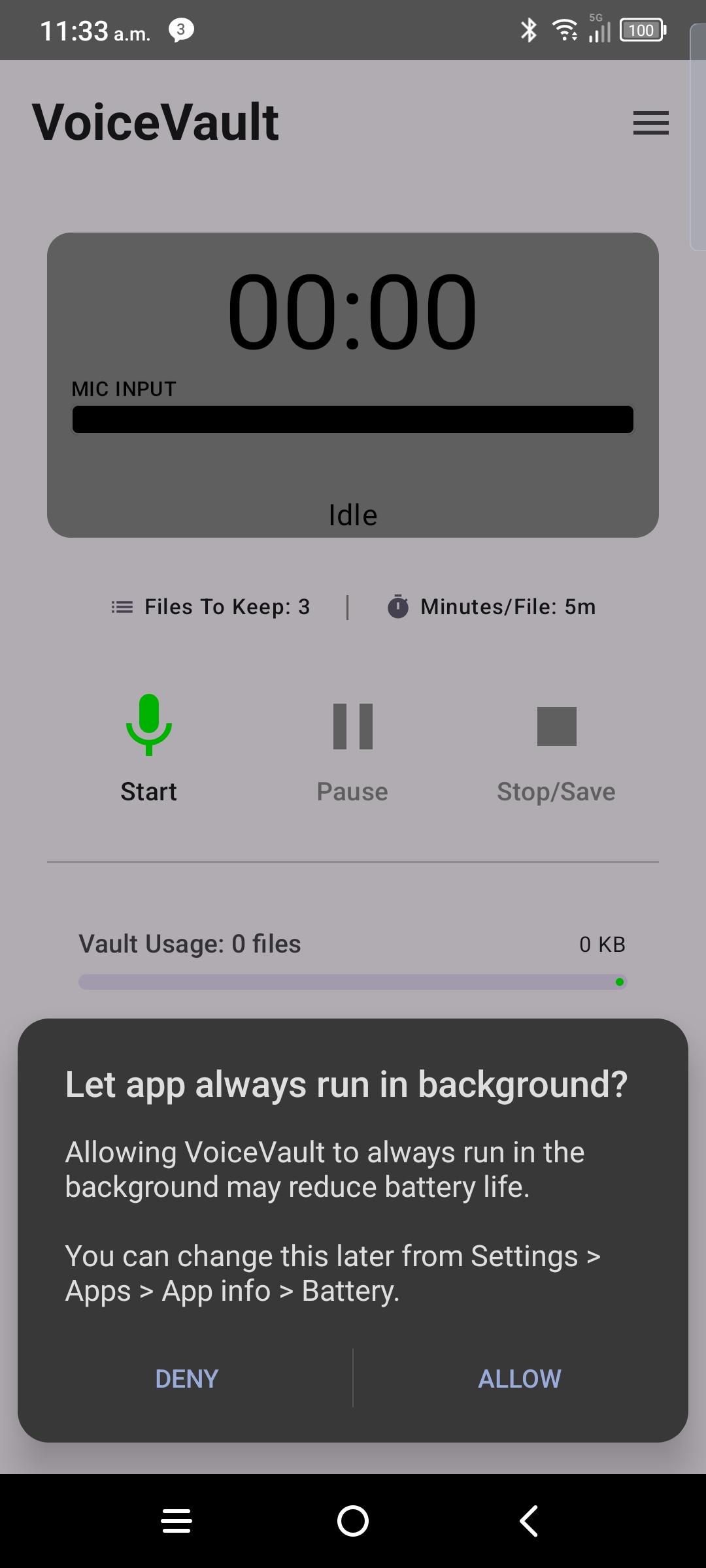
- Accept the background / battery prompt when VoiceVault shows it.
- Complete Background survival teach screens. Choose the safe default (keep app open for important recordings), or mark verified only if you already did a single-app VoiceVault swipe test. Guide: Background survival.
- Complete Mic interruption teach screens and confirm you understand Lost Mic. No live demo required. Guide: Mic. Management.
- You should see the default home screen with the record control ready.
- Tap record, speak, then stop — the file saves to your vault immediately.
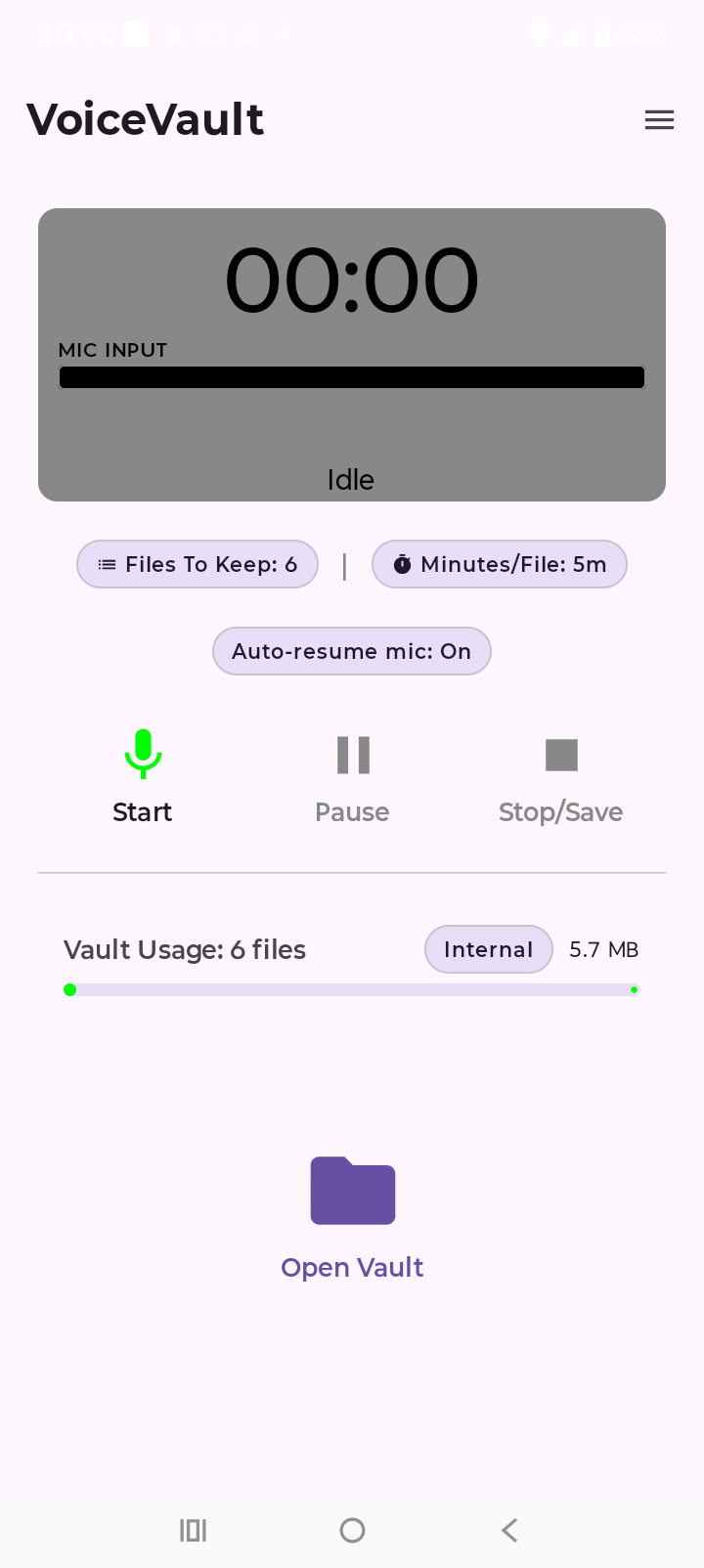
After onboarding
- Open the vault to play back, rename, search, or share clips.
- Use the menu (☰) for Pro trial, restore subscription, Background survival / Mic interruption status, and version.
- If recording stops after you leave the app, see background survival (single-app swipe vs Clear all can differ) and battery settings.
- If recording stops while another app used the mic, see Mic. Management (Lost Mic + RESUME).
← VoiceVault overview · Background survival · Mic. Management · Google Play · Vault guide · Support