
Controls
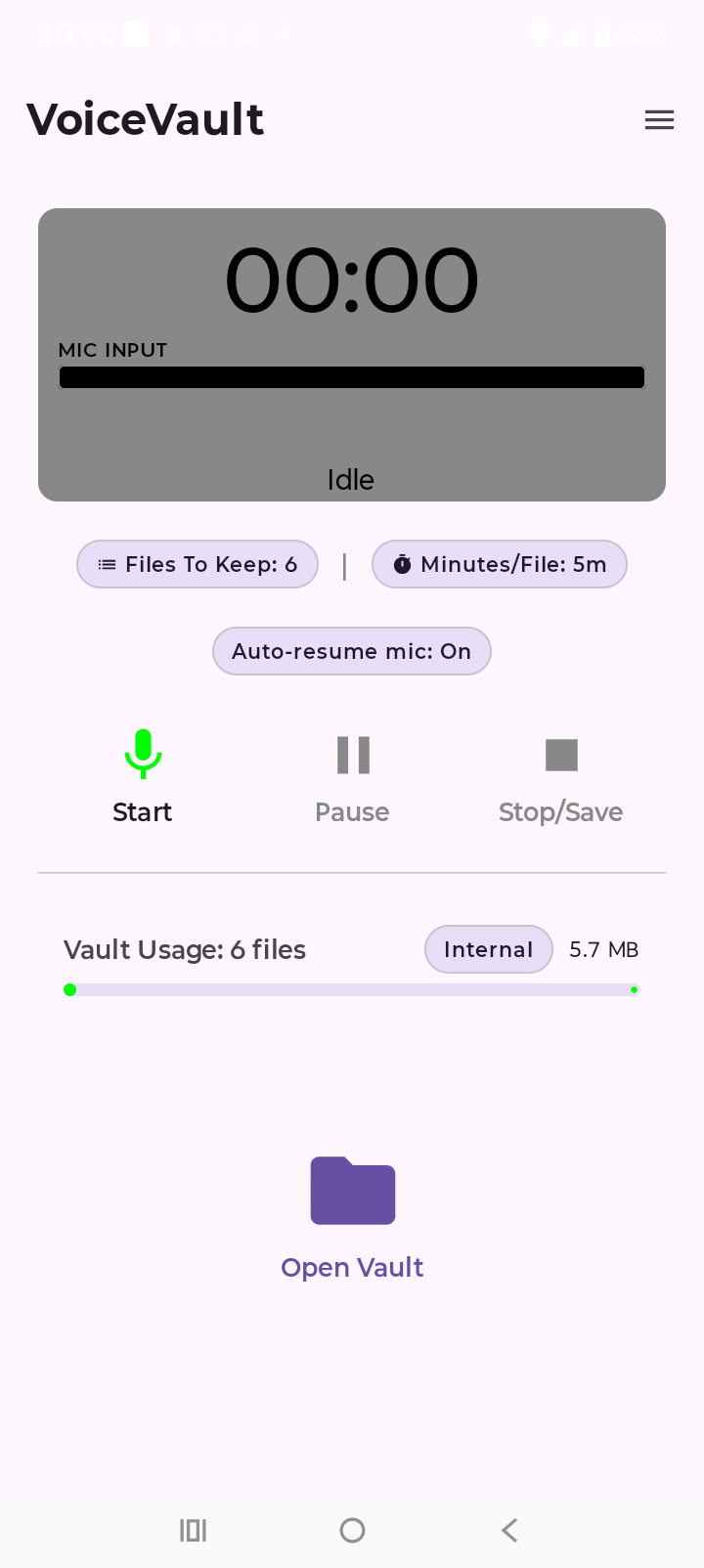
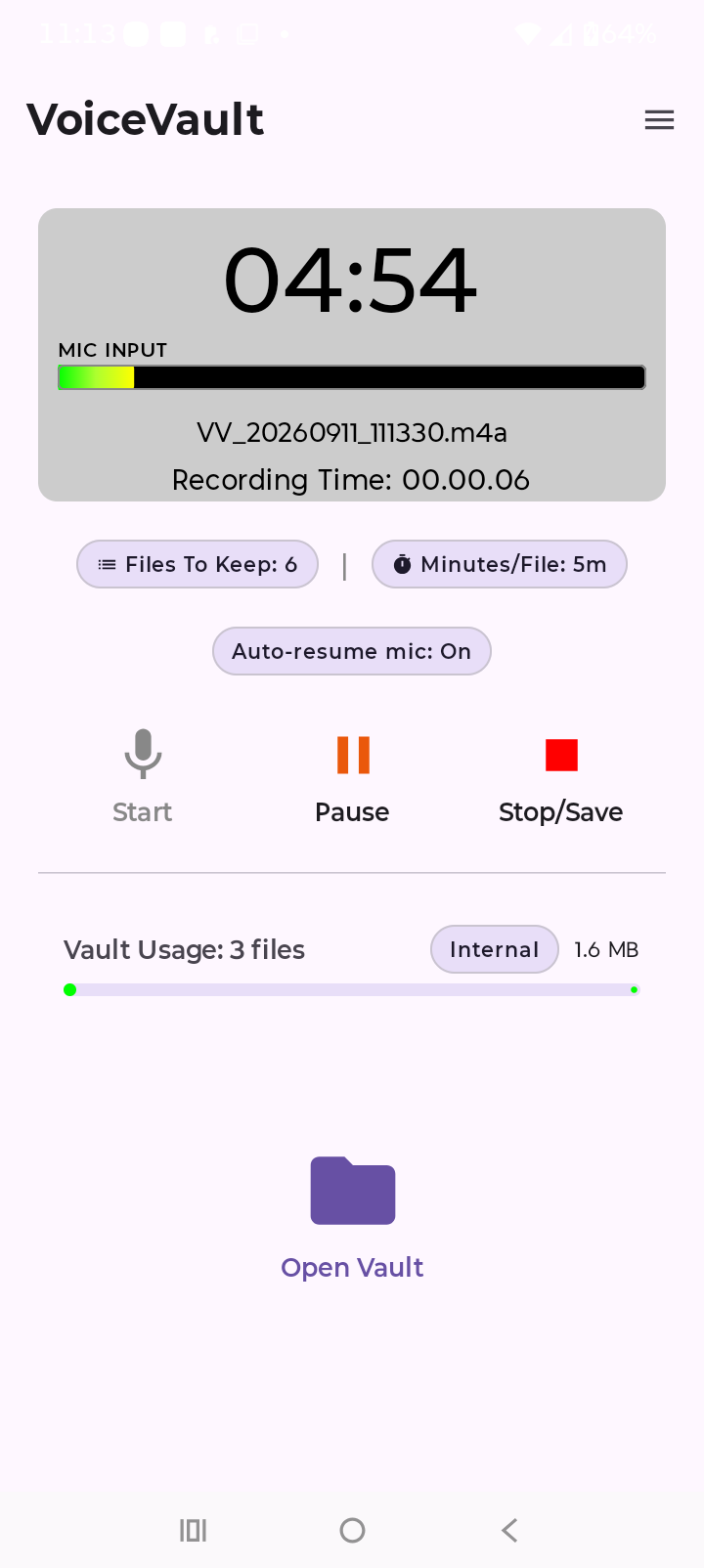
- Record — starts capture; timer and sound meter animate.
- Pause / resume — pauses without finishing the file.
- Stop — ends the current recording and saves the file to your vault folder.
- Vault — opens the file list; recording can continue while you browse saved clips.
While recording
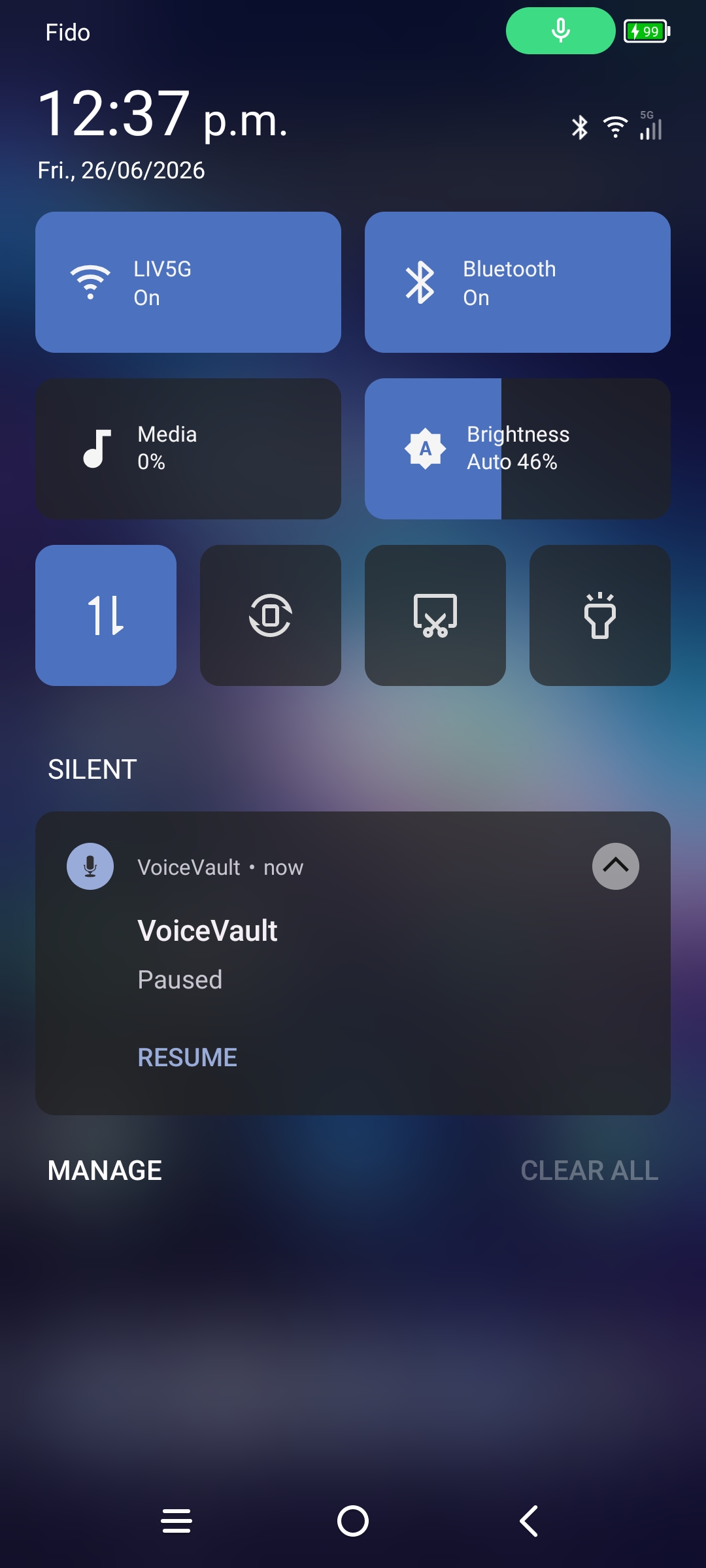
VoiceVault runs a foreground service with a notification in the status bar. Keep onboarding (background permission) allowed so Android does not kill a long recording. That still does not tell you whether Recents will leave VoiceVault recording — and Clear all is not the same as swiping away only VoiceVault. Safe default: keep the app open for important recordings. See Background survival.
If another app steals the microphone, VoiceVault surfaces Lost Mic so you know the clip may be incomplete. See Mic. Management for what to do. Auto-resume mic (home-screen pill) can start a new MICAUTORESUME file when the mic is free; it does not stitch onto the interrupted recording.
Playing YouTube or music is not a mic steal — VoiceVault keeps recording. The mic will still hear the speaker. Turn volume down or use earbuds if you need a cleaner voice recording.
Free tier limits
Free (and Pro trial) recordings stop at 5 minutes per clip and when you reach 3 stored files unless you delete older clips or upgrade to paid Pro. See Settings & Pro.
Mic. Management → · Background survival · Vault guide → · ← VoiceVault overview