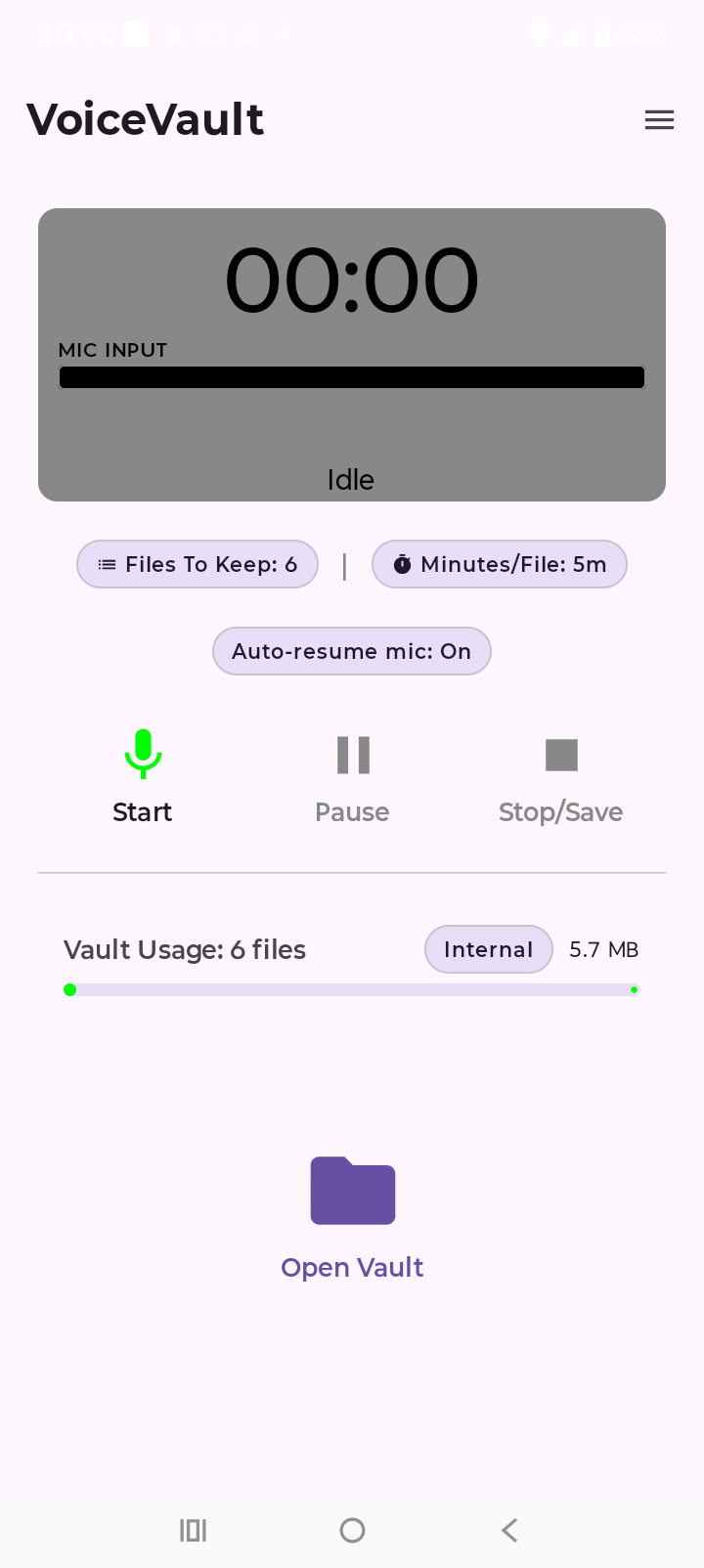
Home-screen pills
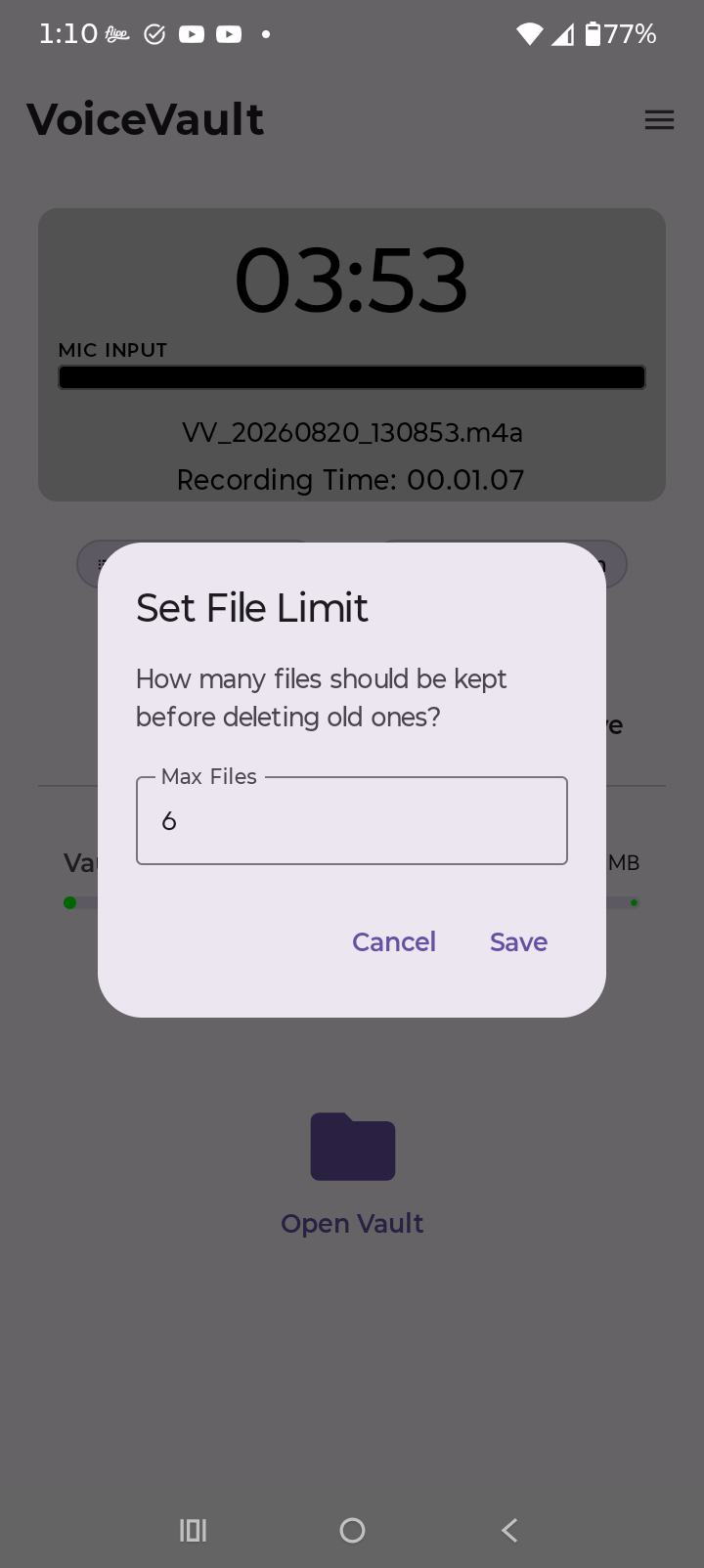
- Files To Keep — how many recordings to retain before older ones are removed (free default 6; higher when paid Pro is active).
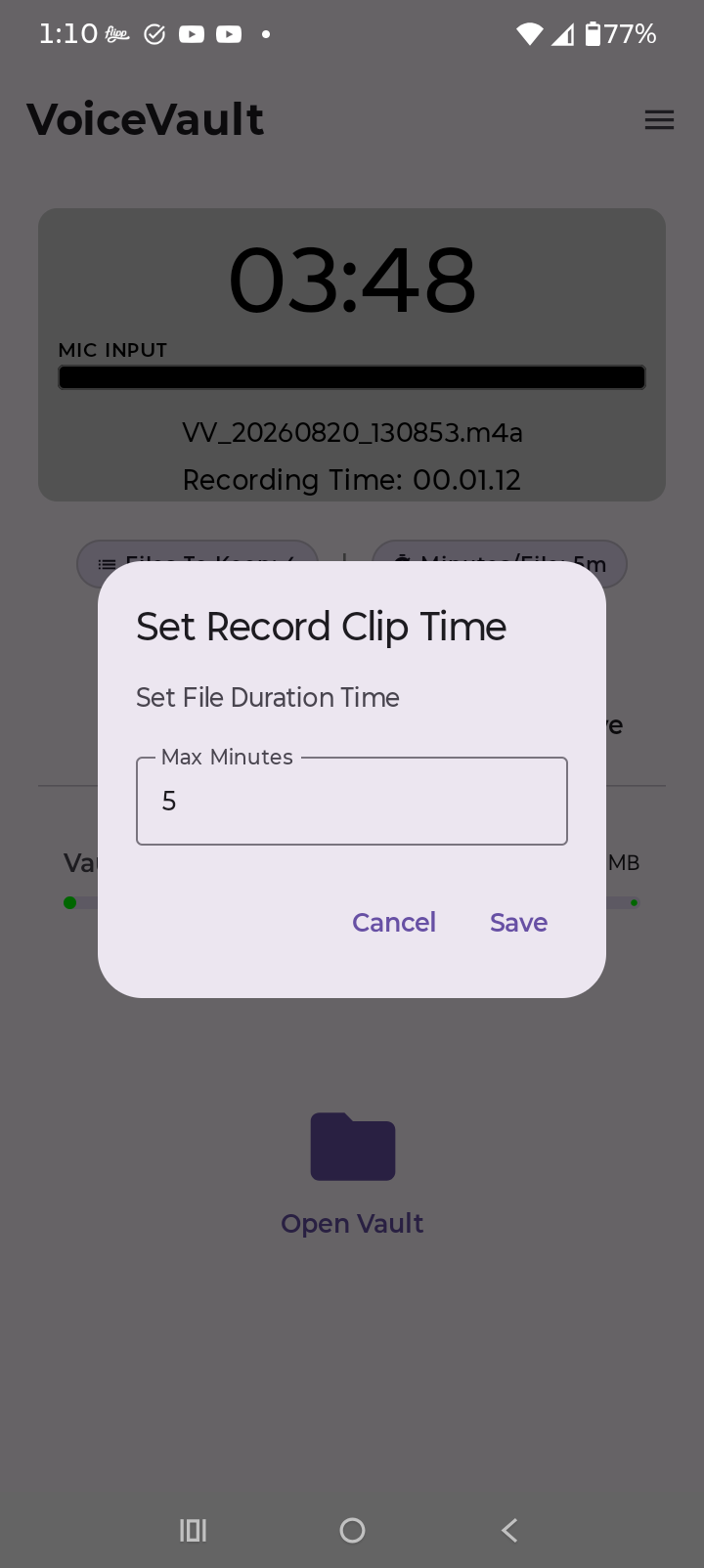
- Minutes/File — max minutes per clip (free default 5; higher when paid Pro is active).
- Auto-resume mic — On (default) starts a new MICAUTORESUME file after Lost Mic when the mic is free. Off waits for RESUME or home Start. It does not stitch onto the interrupted clip.
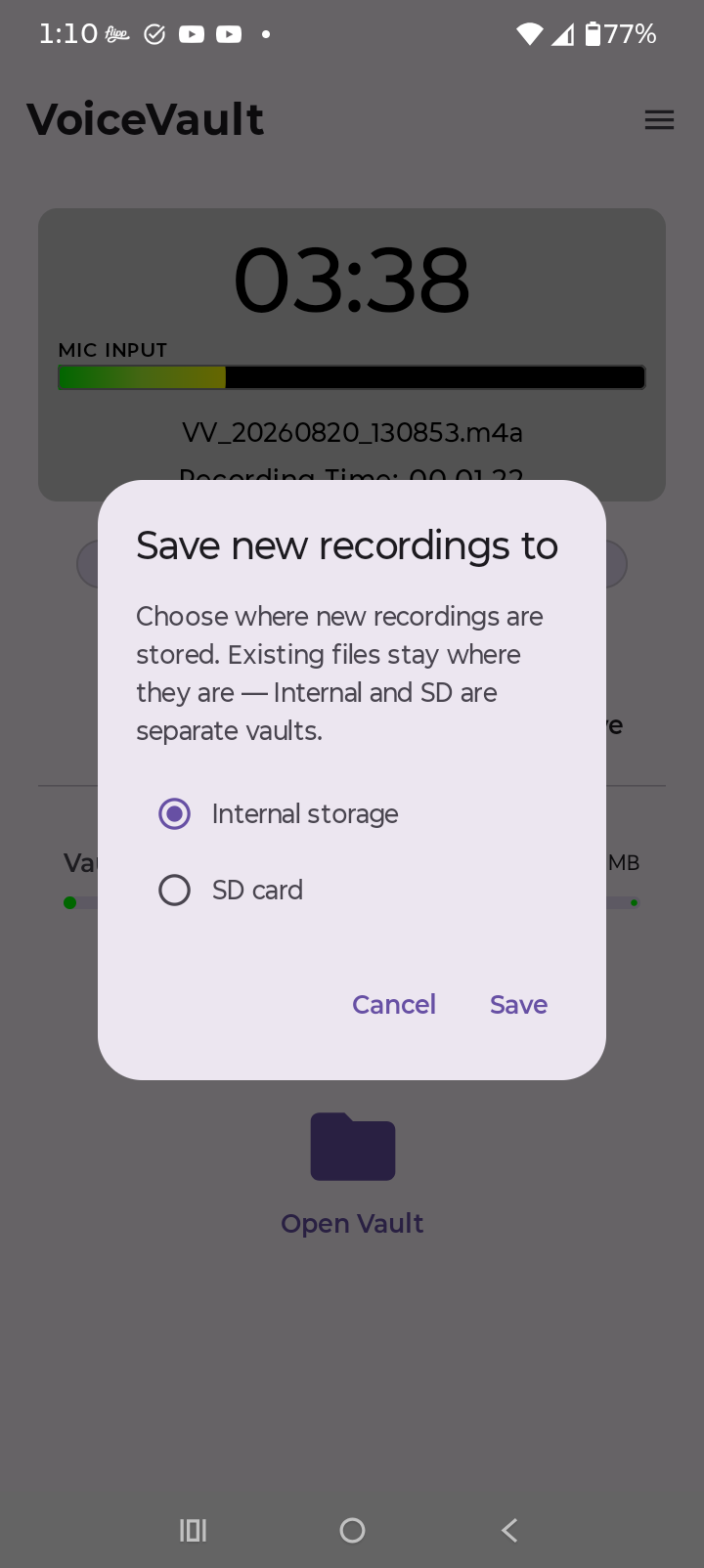
- Internal / SD Card — on the Vault Usage row, where new recordings are saved. Existing files stay where they are; Internal and SD are separate vaults.
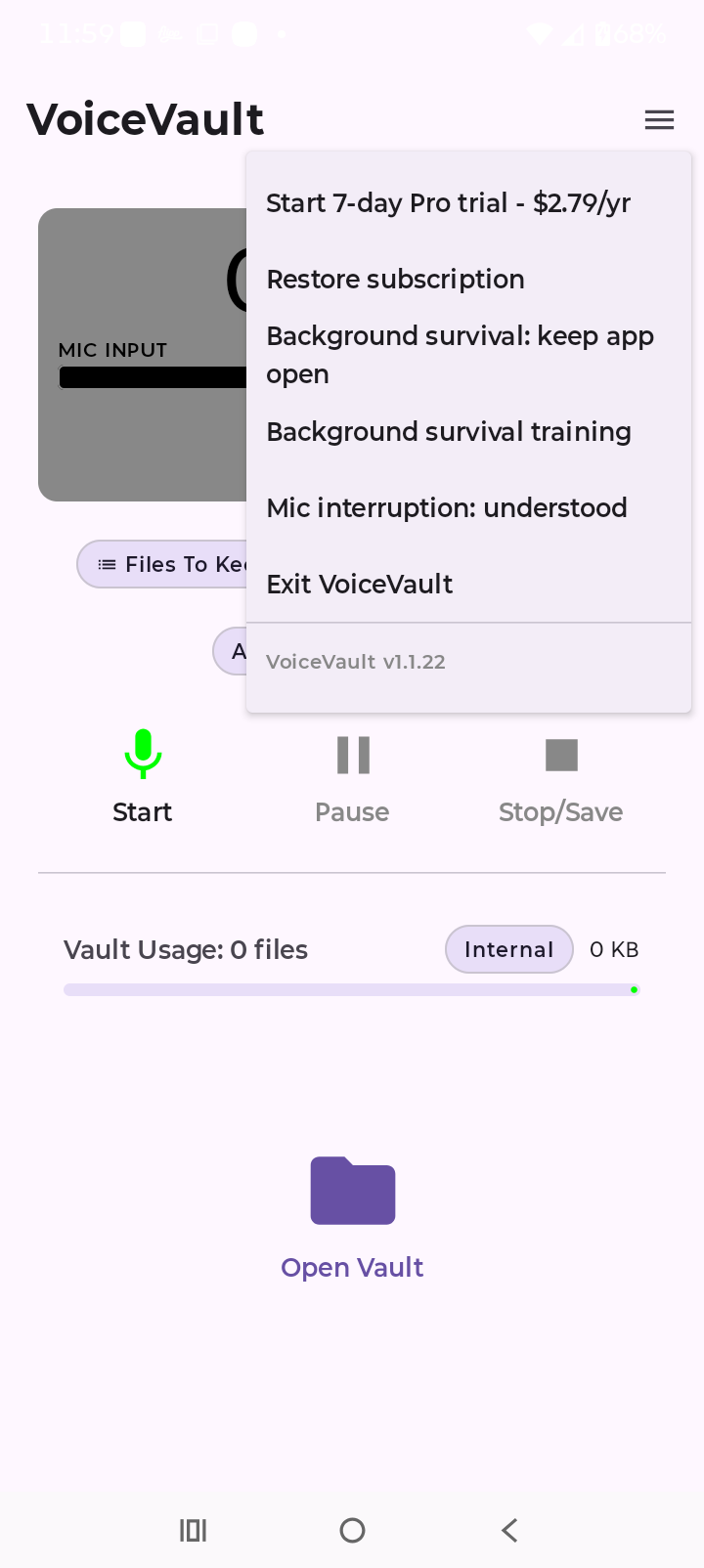
Menu (☰)
- Pro subscription — start a 7-day trial or view active trial / paid Pro status.
- Restore subscription — re-check Play billing after reinstall or device change.
- Background survival — status summary and Update/Re-test.
- Mic interruption — Lost Mic teach / status summary.
- Exit VoiceVault — stop the recorder process and leave the app.
- Version — shows the installed VoiceVault build (for example v1.1.21).
Free vs Pro
Free
Up to 6 recordings · 5 minutes max per clip.
Pro trial
7-day Play trial — limits still match free until the subscription converts to paid Pro.
Paid Pro
$1.99/year after trial — raise Files To Keep and Minutes/File from the home-screen pills to store more and
record longer clips.
Legacy one-time Unlimited in-app purchases are still honored alongside the new subscription.
Storage meter
The home screen shows vault usage (file count and size) for the vault you currently have selected. Delete old clips from the vault, or switch the location pill to SD card if your device supports it — new recordings go to the chosen vault; older recordings remain on the other.